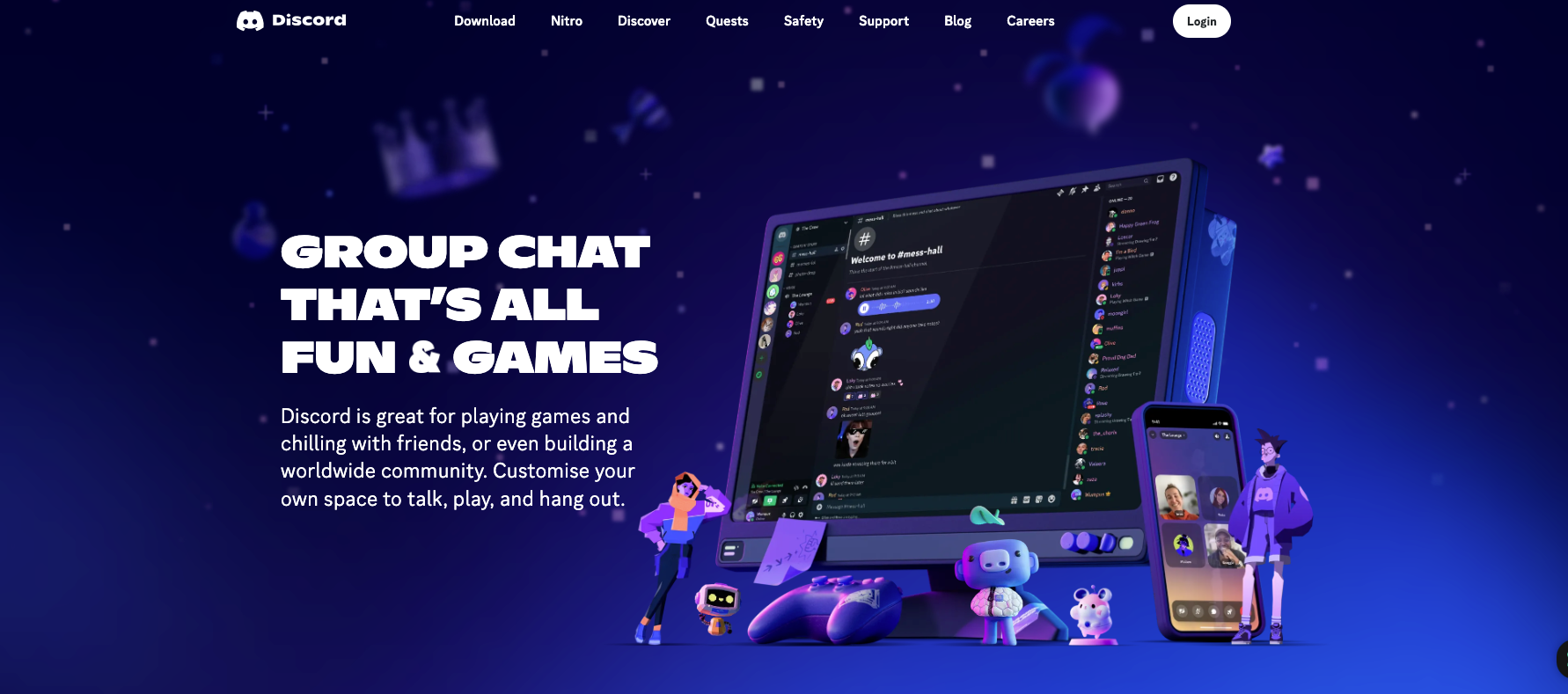
Discord started as a chat app for gamers and now hosts communities around coding, art, music, study groups, and almost any other interest. If you run a server, you might be wondering whether it can bring in money.
It can, but not on its own. A Discord server earns when members pay for something you offer them: access, lessons, help, or products. This guide covers how that works, which tools Discord provides, what you need to qualify for Server Subscriptions, and how to keep a paid community worth paying for.
Discord doesn’t pay you for server size, messages, or time in the app. Income comes from members who pay for something you offer.
Server Subscriptions is Discord’s built-in tool for paid tiers: members pay monthly, and Discord keeps a share and deducts fees.
Selling your own courses, consultations, or merch through outside tools is a separate route, and so is getting paid to moderate someone else’s server.
A big server doesn’t guarantee access to Server Subscriptions: you have to meet Discord’s requirements, which currently include being based in the US.
What Is Discord? Let’s Explore the Platform’s Basics
Discord is a free app for text, voice, and video chat, organized into servers. A server is a space with its own channels, roles, and rules, usually built around a shared interest. The people who join and talk there form a community, and the server owner decides who can see which channels.
That last part matters for monetization. Because you control access to channels and roles, you can open some of them only to paying members.
Yes, but Discord doesn’t pay you for having a server. The number of members, messages, or hours spent in the app doesn’t turn into payouts by itself. You earn when members pay for something you offer them.
There are three different ways this can happen:
Server Subscriptions and Server Shop. These are Discord’s built-in tools. Members pay through Discord for paid tiers, premium roles, or downloadable files, and Discord keeps a share and deducts fees before paying you.
Your own sales. You sell courses, consultations, digital goods, or merch through your own store or payment service and use Discord to talk to your customers. Discord isn’t part of the payment.
Working for a community. Another server owner pays you to moderate or manage their server. That’s paid work under your agreement with them, not a payout from Discord.
Here’s a hypothetical example. You run a server for people learning to code. The general channels stay free, and a paid tier opens a channel with your own weekly lessons, code reviews, and a monthly Q&A. Members pay for that extra help, not for being in the server.
Ways to Monetize a Discord Community
The most reliable way to monetize a Discord server is to sell something your members already want from you. Each option below shows what you offer, how to start, how members pay, and what limits apply.
Sell Access to a Paid Community
Paid access means members pay to join private channels with content they can’t get in the free part of your server.
Offer: a members-only tier with regular, specific value, for example, weekly reviews of members’ work, lessons, and answers to questions.
First step: decide what the paid tier includes and how often you’ll deliver it. A vague “VIP section” is hard to sell.
How members pay: through Server Subscriptions if your server qualifies, or through an outside membership service that gives paying members a role in your server.
Limit: you have to keep delivering. If the paid channel goes quiet, members cancel.
Offer: your own lessons on a topic you know well, such as web design, fitness, marketing, or coding.
First step: plan a short series of lessons around one problem your members ask about often.
How members pay: through a paid tier or Server Shop if they’re available to you, or through a course platform or your own site, with Discord as the place for discussion.
Limit: a course takes time to create and update, and members expect answers to their questions.
Offer: paid one-on-one sessions, while the general server stays free.
First step: set a clear format, such as a 30-minute call or a written review, and a price.
How members pay: through your own booking or payment tool. Discord’s private channels and voice calls can host the session itself.
Limit: your time is the product, so you can only sell as many sessions as you can run.
Sell Digital Products and Merch
Offer: digital files like templates, art, or guides, or physical merch like t-shirts.
First step: for digital files, check whether Server Shop is available for your server. It supports downloadable files and premium roles. For physical goods, set up your own online store.
How members pay: through Server Shop for eligible digital products, or through your own store. Discord doesn’t handle shipping and isn’t a general marketplace, so share a link to your store and let the store handle checkout and delivery.
Limit: every product has to follow Discord’s rules and your payment provider’s terms. With physical goods, production and delivery are on you.
Outside Deals: Sponsorships, Affiliate Links, and Tips
Some server owners also earn from deals outside Discord’s own tools: a brand pays for a mention, a member buys through an affiliate link, or fans send a tip through a payment service. These are separate arrangements between you and the brand or payment service, and you can’t package them as a Server Subscription perk. Discord’s Monetization Policy doesn’t allow paid offerings built mainly around promoting a third party, or ones whose stated purpose is raising money for a charity (checked October 2026).
If you take on outside deals, follow Discord’s Community Guidelines, your payment service’s terms, and the advertising disclosure rules where you live. Tell members clearly when a recommendation is paid or earns you a commission.
Earn by Working for a Community
If you don’t have your own paid community, you can earn by helping someone else run theirs. Some server owners pay moderators or community managers to keep channels organized and free of spam. This is paid work agreed with the server owner, not a payout from Discord, so settle the scope, hours, and payment before you start.
Understanding Discord Monetization Requirements
To use Server Subscriptions, Discord’s built-in paid tiers, you need to meet Discord’s requirements. They apply to Server Subscriptions and Server Shop only, not to selling your own products outside Discord. As of October 2026, Discord’s help pages list these:
Right now, Discord’s Server Shop guide says monetization is available to creators based in the United States (checked October 2026). If you’re in another country, check the Creator Revenue FAQ for updates before you plan around this tool
Meeting the checklist doesn’t guarantee access. Discord doesn’t publish a minimum member count, but it does review your server, for example, whether it has had recent safety violations or is built mainly around NSFW content – and it makes the final decision.
About the money: Discord describes a 90/10 split, so 90% of each membership goes to you. That isn’t your net income. Discord’s Monetization Terms say fees, taxes, refunds, and chargebacks can also be deducted from your payout (checked October 2026).
How to Set Up Server Subscriptions
If your server meets the requirements, setup takes a few steps. They follow Discord’s official Server Shop guide (checked October 2026):
Make sure your server has the Community feature turned on and requires 2FA for moderator actions.
Open the Discord Developers Portal and select Servers in the left panel.
Choose your server and click Enable Monetization.
Agree to the Monetization Terms and Monetization Policy, then complete the setup Discord walks you through, including Stripe.
Go to Server Subscriptions and describe what paid members get.
Set up your paid levels in Tiers. You can create up to three, each with its own price and perks.
Before you launch, check how the server looks to a regular member: which channels they can see, whether paid channels are locked, and whether the price and benefits are clear.
If you can’t find the option or it isn’t available to you, go back to the requirements above and contact Discord support. Don’t try to get around the requirements by changing your country or using someone else’s account. That breaks Discord’s terms and can cost you your account.
Keep Your Paid Community Valuable
A paid community stays valuable when members keep getting what they paid for. You can’t control every cancellation, but you can control the content, the schedule, and how well you listen.
Ask for feedback. Ask members what they find most useful and what’s missing, and use the answers to shape your tiers. Different groups often value different things.
Stick to a schedule. If the paid tier promises weekly lessons or reviews, deliver them every week. Regular content is what members pay for.
Look at cancellations. When someone leaves, find out why if you can. A pattern, like a tier that costs too much for what it offers, shows you what to fix.
Promote only where it’s allowed. Share your server in places that permit it, and don’t send unsolicited mass messages or create fake activity. Both break Discord’s Community Guidelines.
Frequently Asked Questions
No, Discord doesn’t pay you for running a server or for how many members it has. Server owners earn when members pay for a paid offering, such as a Server Subscription tier, a premium role, or your own course or product. With Server Subscriptions, members pay Discord, and Discord pays you your share minus fees.
For Server Subscriptions, you must own the server, be at least 18, have an account and server in good standing, verify your email and phone number, turn on 2FA, and be able to give Stripe US-based banking details and ID. Discord still decides whether your server gets access. Check the current list in the Creator Revenue FAQ. These requirements apply to Discord’s built-in tools, not to selling your own products outside Discord.
Create a paid tier with a clear set of perks, such as private channels with lessons or reviews, using a tool your account can access: Server Subscriptions if your server qualifies, or an outside membership service that gives paying members a Discord role. Follow Discord’s rules and your payment service’s terms, and don’t try to get around their limits.
Monetize Your Website Alongside Your Community
Discord’s tools and your own sales cover income from your community. If you also run a website, for example a blog with lessons or a page about your server, that site can earn from ads too.
Monetag is an ad network for website owners. You add its ad tag to your own site, and it shows ads to your site’s visitors. It doesn’t process payments from Discord members, and you can’t install MultiTag or any other Monetag tag inside a Discord server. Your server and your site are two separate channels, each with its own rules.
If you’re new to this, our guide to website monetization explains the main options for site owners.
When you’re ready, you can sign up for Monetag and add the tag to your website.