ShrinkEarn is a paid URL shortener: you shorten a link, share it, and the service shows an ad page to people who click before sending them to the original address. This review explains how that works, which visits ShrinkEarn says it counts, what to check about payouts, and what the extra ad step means for your audience. It’s based on ShrinkEarn’s published terms, not on a test payout of our own.
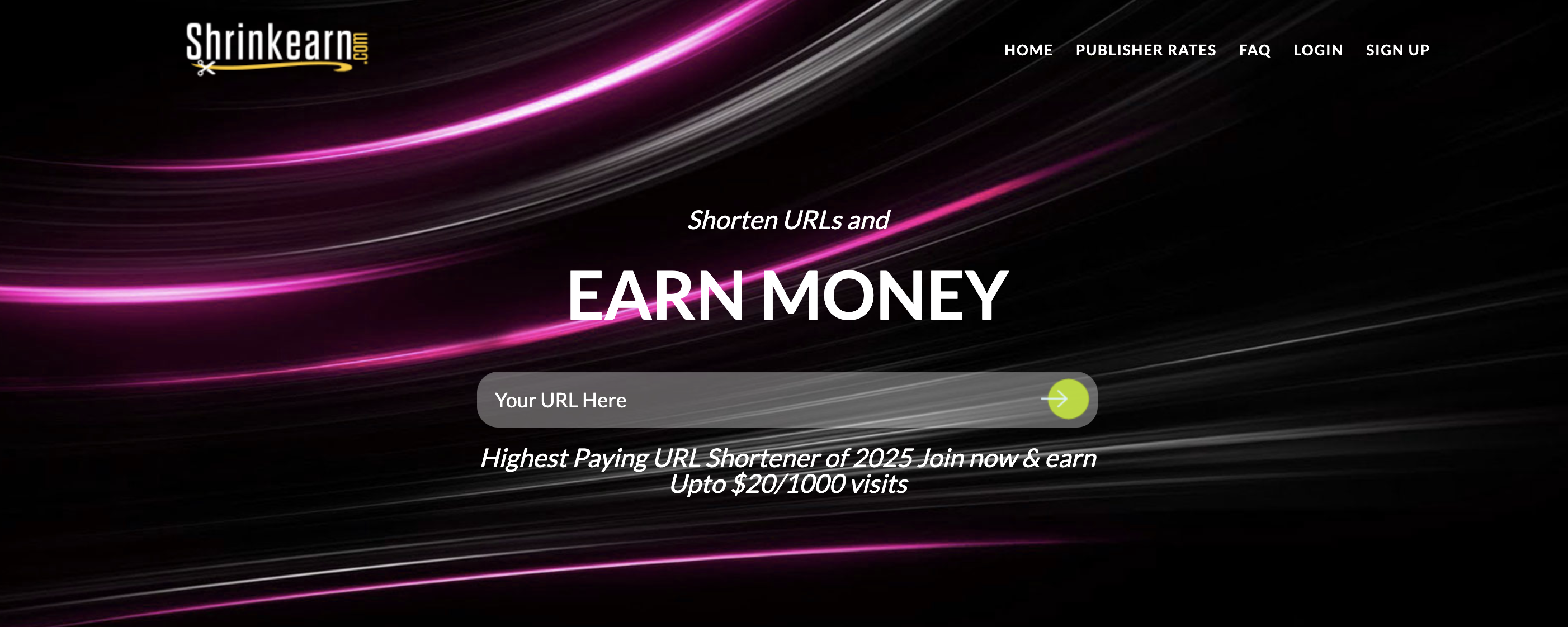
ShrinkEarn turns a long link into a short one that sends visitors through an ad page before they reach the original page.
A click isn’t the same as a counted view. ShrinkEarn says it counts only visits that meet its rules, such as being unique within 24 hours and reaching the destination page.
Before you share links, check the current payout rates, the minimum for your payment method, and whether your audience will accept the extra ad step.
This review is based on ShrinkEarn’s published terms. It isn’t a security audit, and we haven’t tested a payout ourselves.
What is ShrinkEarn?
ShrinkEarn is a URL shortener that pays publishers for visits to their short links.
It converts a long URL into a short, shareable one. When someone clicks the short link, ShrinkEarn shows them an ad page first and then sends them on to the original address. ShrinkEarn earns from those ads and shares part of the revenue with the person who created the link, but only for visits that meet its counting rules.
That makes it different from a regular link shortener: your audience sees an extra ad step before they get to the content. Whether that’s acceptable depends on who your readers are and why they’re clicking.
ShrinkEarn also runs a referral program. The official ShrinkEarn website says you get 20% of the earnings of users who sign up through your referral link (checked October 2026). Referral income is separate from what you earn on views of your own links.
How Does ShrinkEarn Work?
If you want to shorten URLs to earn money with ShrinkEarn, the process is simple: you create short links to content you’re allowed to share, post them where links are permitted, and request a payout for counted views once you meet the withdrawal conditions.
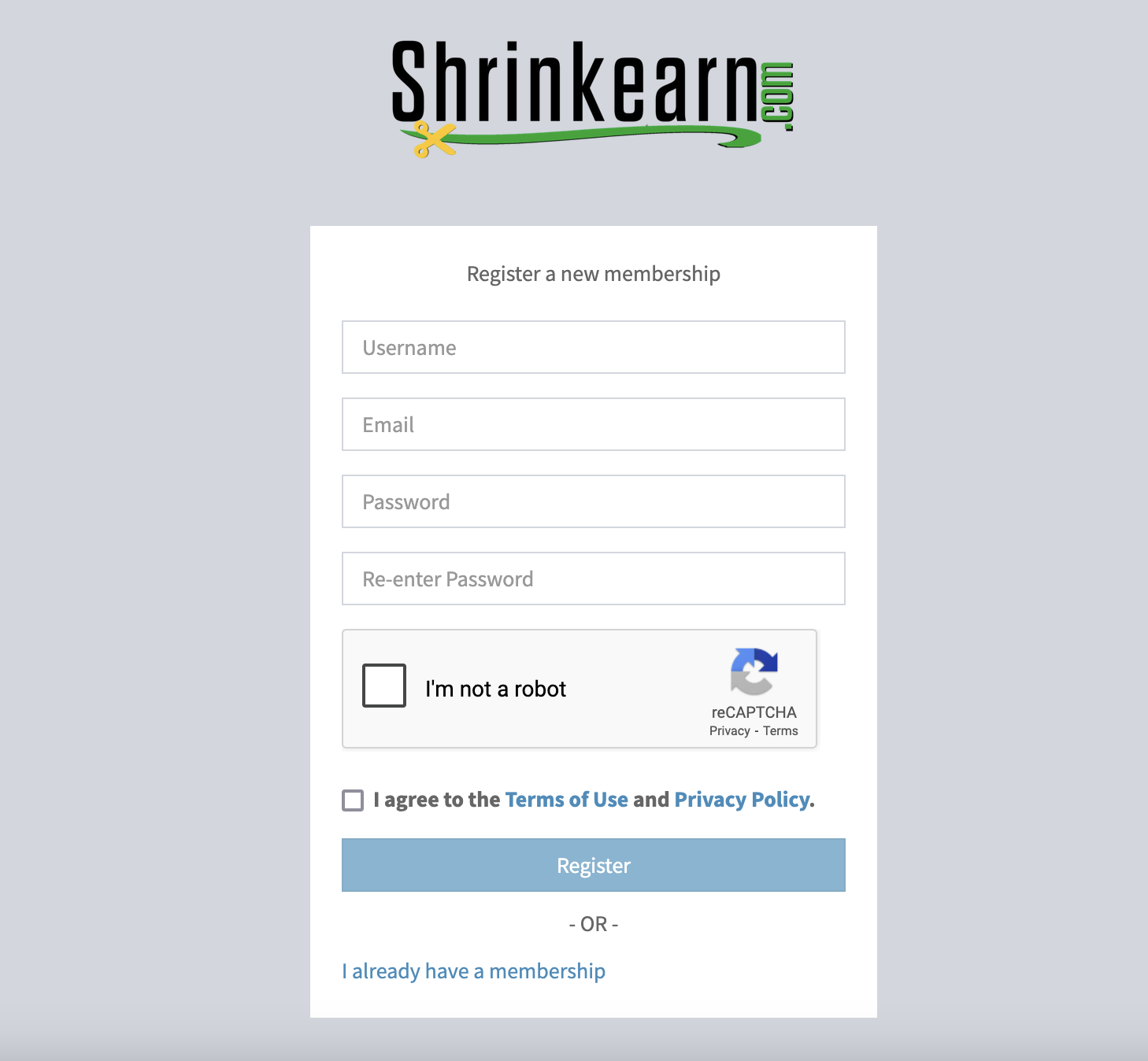
Sign up on the official ShrinkEarn website with a username, email, and password.
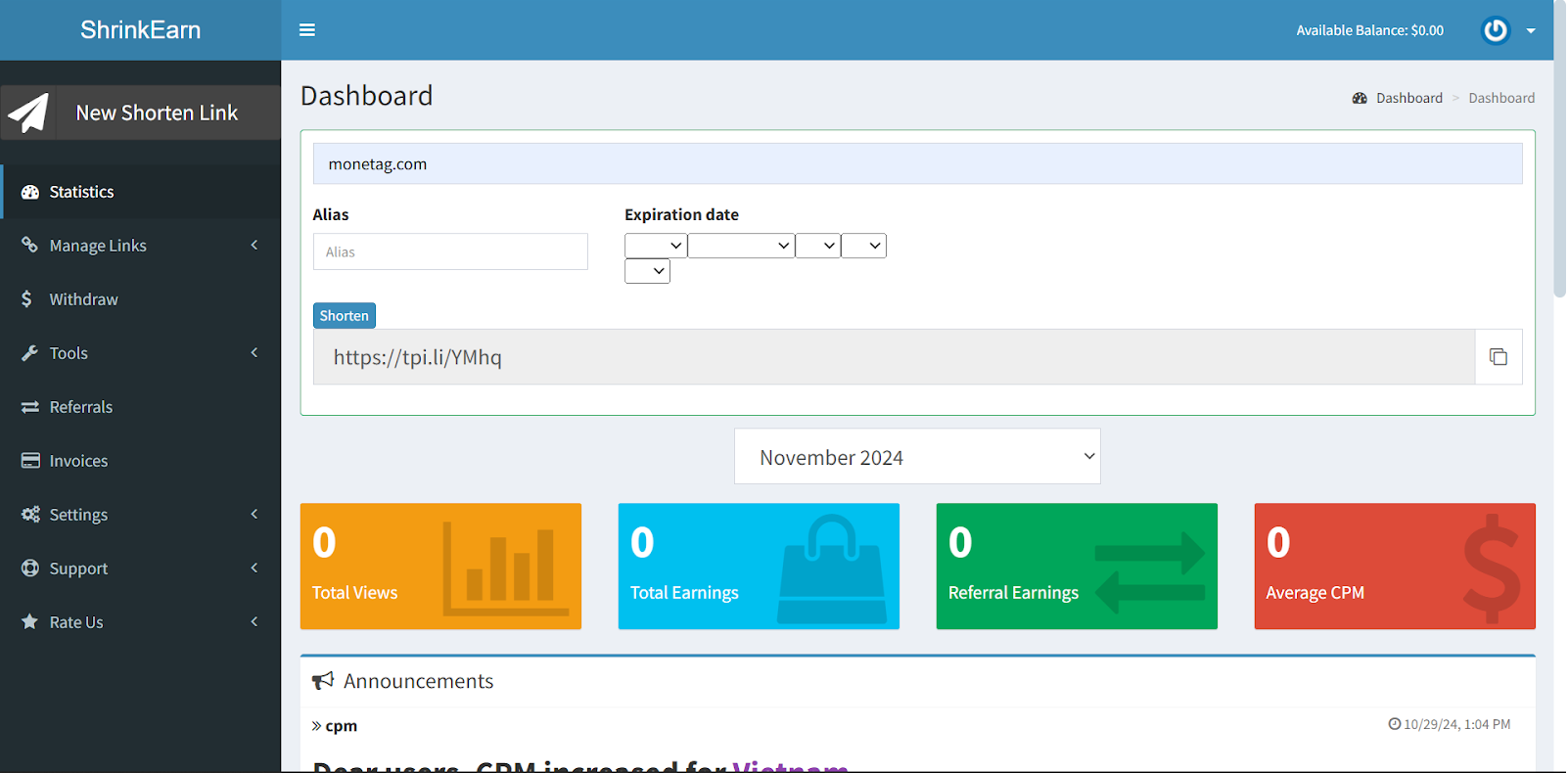
2. Log in to your dashboard.
3. Paste the URL of your own content, or of content you’re allowed to share, to create a short link.
4. Post the short link only where the site or platform allows it, for example on your own blog or in a community whose rules permit such links.
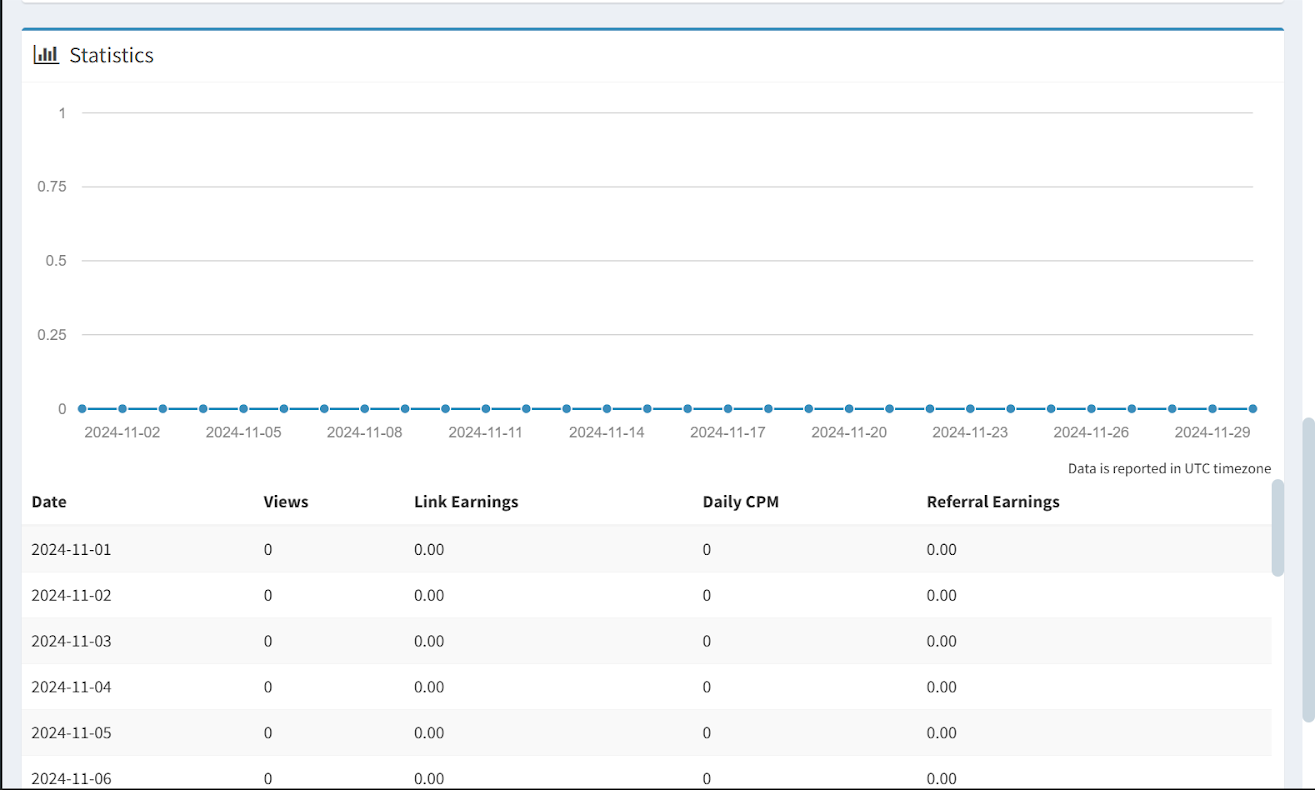
5. Track your links in the statistics dashboard, which ShrinkEarn says shows clicks, earnings, and visitor countries.
6. Request a withdrawal once you meet the payout conditions described below.
What Counts as a View on ShrinkEarn?
A click on your link doesn’t automatically count as a paid view. According to ShrinkEarn’s Publisher Rates page, a visit counts only if the visitor is unique within 24 hours, reaches the destination page, has JavaScript and cookies enabled, and isn’t using an ad blocker, VPN, or proxy (checked October 2026).
ShrinkEarn’s Terms of Use also ban several ways of getting visits, including:
fake or automated traffic;
clicking your own links to earn;
spamming websites, forums, or blogs with links;
offering rewards or asking people to click;
automatically redirecting visitors to your short link;
posting links on traffic exchange, PTC, or faucet sites.
The terms say automated traffic can get an account terminated and that ShrinkEarn may not pay for views from your own clicks.
ShrinkEarn Payout Rates and Withdrawal Conditions
ShrinkEarn pays a rate per 1,000 counted views, also known as CPM. Its Publisher Rates table lists different rates by visitor country and device, so the same number of views can pay very differently depending on where your audience is. Check the current table rather than relying on a single figure: the top rate in the table isn’t what a typical link earns.
For withdrawals, ShrinkEarn’s pages currently list a $5 minimum and daily payouts, and the homepage notes that the minimum may change. The payment methods listed also differ from one page of the site to another (checked October 2026). These are ShrinkEarn’s published terms, and we haven’t confirmed how they work in practice.
Before you send traffic, check in your account:
which payment methods are available to you;
the minimum payout for your method;
that your payment details are correct;
how long withdrawals take to process.
If anything doesn’t match what the site says, ask ShrinkEarn support before you start sharing links.
Pros and Cons of ShrinkEarn
Pros
Limitations
A simple way to create and share short links
Visitors see an ad page before reaching the content, and some readers dislike that
A stated statistics dashboard with clicks, earnings, and visitor countries
Some visitors leave at the ad step, and only views that meet ShrinkEarn’s rules are counted
Rates depend on visitor country and device
Withdrawal terms differ across pages of the site, so you need to check them in your account
Is ShrinkEarn Safe?
There’s no simple yes or no. ShrinkEarn publishes its rates, counting rules, and terms, and some users post reviews and screenshots of payouts. But published terms and other people’s reviews don’t prove that every user gets paid, and we haven’t tested a payout ourselves. This review covers ShrinkEarn’s public terms. It isn’t a security audit, and it isn’t a verdict that the service is a scam either.
What you can check yourself: whether the terms are clear to you, whether your traffic meets the counting rules, and whether the withdrawal conditions in your account match what the site says. Earnings also depend on where your visitors come from and how many of them reach the destination page.
What Does ShrinkEarn Payment Proof Actually Show?
A payment proof screenshot or review shows, at best, that a specific user received a specific payout on a specific date. It doesn’t show that every user gets paid, that payouts will keep arriving in the future, or that your traffic will qualify. Screenshots can also be edited or taken out of context. Treat payment proof as one data point, and base your decision on the published terms and the settings in your own account.
Frequently Asked Questions
ShrinkEarn publishes its terms, rates, and counting rules, and some users share payout reviews. That isn’t independent proof that every user gets paid, and we haven’t tested a payout ourselves. Check the terms, your payout method, and the withdrawal conditions in your account before you rely on it.
ShrinkEarn lists its rates per 1,000 counted views in its Publisher Rates table, and they vary by visitor country and device. Only views that meet its rules count, such as unique visits within 24 hours that reach the destination page. The highest rate in the table isn’t a typical result, and not every click is paid.
A payment proof shows that a specific payout reached a specific user on a specific date. It doesn’t guarantee future payouts or that every user will be paid. Someone else’s review also isn’t the same as a verified test.
Final Verdict: Should You Use ShrinkEarn?
ShrinkEarn can make sense if three things are true: you share links in places that allow them and bring genuine visitors, your audience is fine with an ad page before the content, and you understand the withdrawal terms in your account. If any of these isn’t the case, it’s probably not a good fit. If you do use it, treat it as extra income rather than your main source.
Also think about which links you shorten. For links your readers really need, such as downloads, sign-ups, or important resources, an extra ad step can frustrate them and make them leave. In those cases, a direct link may serve you better.
Monetag is a different kind of service: an ad network for website owners that shows ads on your own site. It isn’t connected to ShrinkEarn and doesn’t process ShrinkEarn payouts. To compare this model with link shorteners, see our guide to website monetization. If you run a website and want to try ads on it, you can sign up for Monetag.