How to Make Money on Instagram?

Tutorials
Updated Jun 26, 2026
- Published
- Updated
This post is also available in:
 Pt
Pt  Es
Es
Disclaimer: Originally posted in early 2024, this article was updated for accuracy reasons in June 2026.
This content was edited by Ioannis Giouroukakis, Head of Publishers at Monetag, who has scaled over 50+ Instagram traffic campaigns resulting in increased publisher revenue.
It’s never too late to start making money on Instagram!
Pros: this social media platform is known for having the most advertising loyal audience, which is especially true for eCommerce brands. According to the 2026 Gitnux report, more than 130 MLN users interact with shopping tags on Instagram monthly, while 70% browse Instagram specifically for eCommerce.
Cons… Yes, there are some of them. Instagram is tricky when it comes to link location, which is exactly what you are interested in as a publisher. Also, there is always a risk of getting a shadowban for monetization-related activity. However, have no fear – today we are going to discuss strategies that will help you enjoy the power of Instagram and hopefully without too many hazards and hardships. So, let’s dive in.
Disclaimer: Monetization (CPM/CPA) can vary significantly based on audience tier, geographic location (GEO), and engagement rate (ER). The figures presented are based on historical platform averages.
Key Takeaways
- Follower Count: You can start monetizing with just 1,000 engaged followers (micro-influencers).
- Top Methods: Sponsored posts, affiliate links, and selling own products are the most profitable channels.
- Tools: Using platforms like Monetag can automate smart link monetization.
Instagram monetization: the strategy
Basically, your main task is to build a strategy that allows you to transfer users from Instagram to your website/blog with Monetag links, which is your straight road to monetization.
How to?
Instagram doesn’t allow you to locate links in regular posts with images. However, there are options:
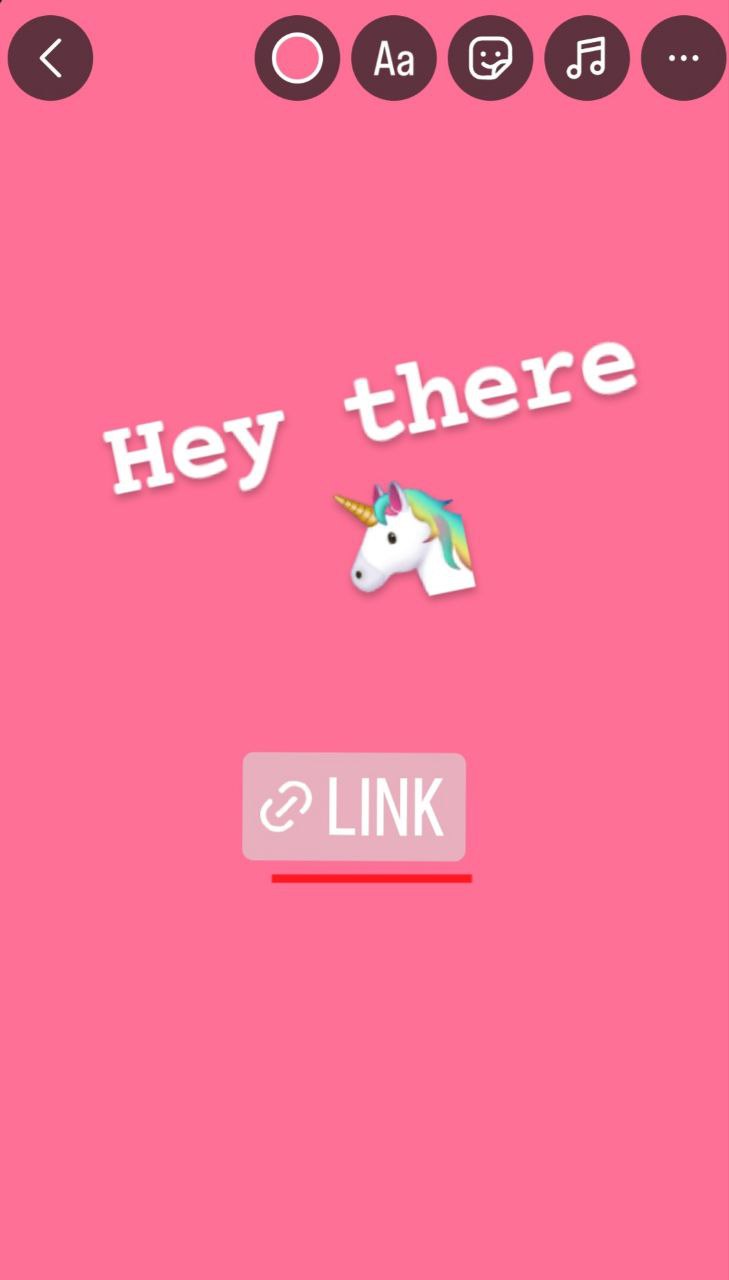
- Stories – you can add a special Link sticker into a story, where the URL to your website/page/blog can be located.
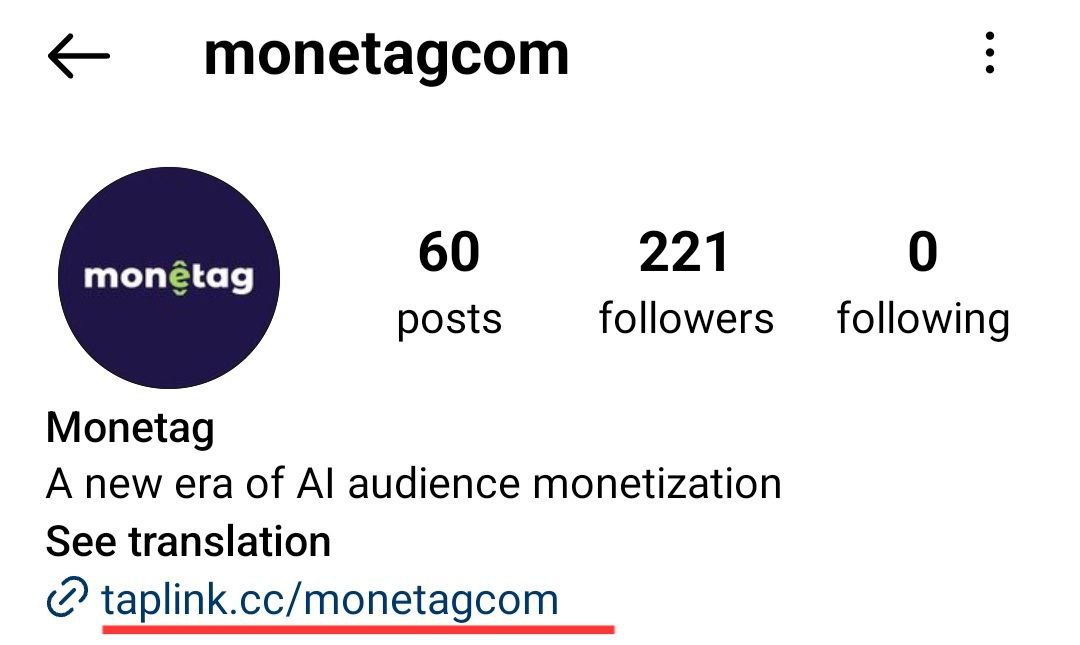
- Profile description – another place where links are allowed; use it wisely.
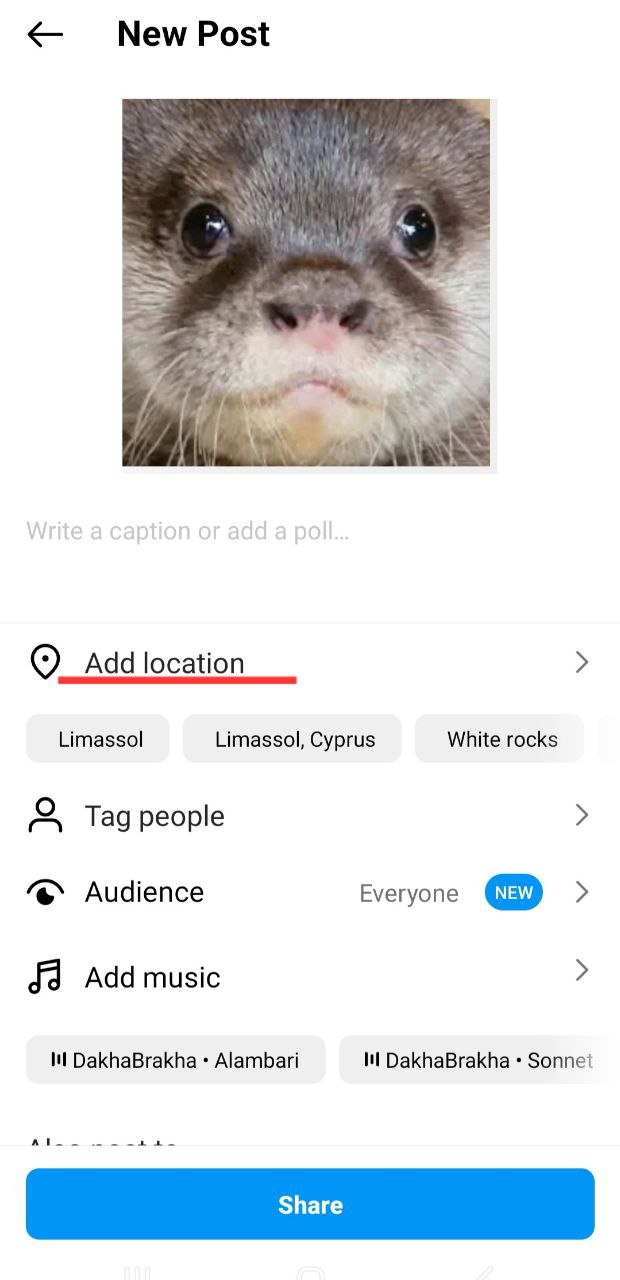
- “Add location” function – you still can add the link to an image post, but only through the “Add location” option.
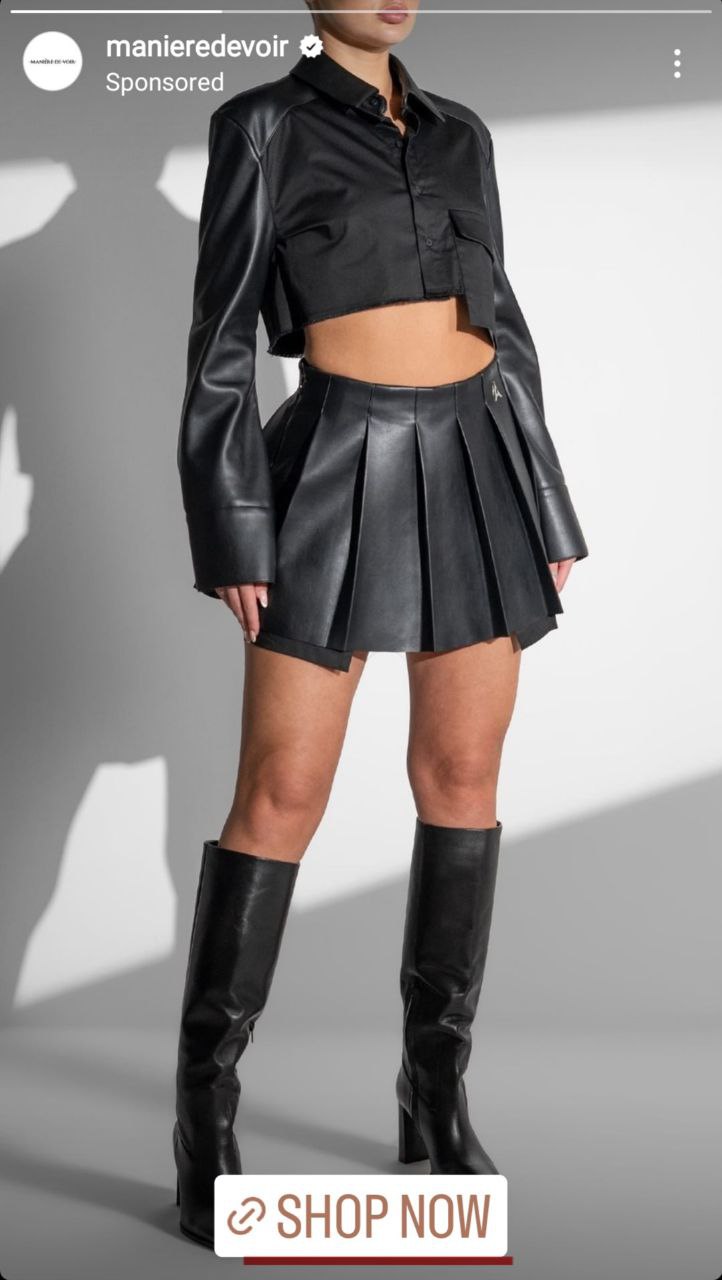
For huge accounts with 10K followers and more, there is a “swipe-up” option, which allows you to add the link directly to your web page:
After that, as we said before, users get to your website or blog, where you can monetize them with Monetag tools. For example, you may try SmartLink. Just add it to your landing page (wherever you prefer – as a link or as a button). Users will click it, and the algorithm will send them to relevant offers, so that you will have a chance to get your money.
You can even use UTM parameters to track which Instagram placements (bio, stories, DMs) drive the most clicks, along with link-in-bio tools like Linktree to keep multiple tagged URLs in one place.
Or take a page from this Case Study: A mid-tier student turned publisher running a niche gaming-themed account (100K+ followers) routed traffic through Monetag’s SmartLink via Instagram DMs, achieving a $10k profit within 8months, with a $3.62 average CPM.
Also, rely on Monetag’s ad formats: Push ads, In-Page Push ads, Vignette ads, and Popunder ads for efficient monetization.
But is that all?
There are two more major topics regarding Instagram promotions we would like to highlight in this post: shadowban and account warm-up.
All you need is… account warm-up
Considering that Instagram traffic is organic, your promo definitely needs a prior warm-up. This is especially important for publishers with new accounts – you need to prepare your account for the promotion so that you won’t get banned right away.
Let’s be honest – content with links to promotional offers that take users away from Instagram is always a risk. Social media have strict policies for money makers, and sometimes, the reasons for a ban are neither obvious, nor explained. So be careful even if you don’t think your niche is suspicious.
The account warm-up will help you to confirm to Instagram algorithms that your profile is real, and there is nothing wrong with it. Thoughtful preparation will make your account look natural and trustful, which is great for algorithms and your audience, as well.
- Create a new account. If you already have a personal account, make sure to make a new business one using a different device (link it to another email and mobile number).
- Show activity. Arrange your profile, specify information about yourself, publish a post. Make sure to use Instagram for at least a week, subscribing to people, watching Reels, commenting, etc.
- Link your Instagram account to Facebook if you want to use Instagram ads. It’s better to link your Instagram to a Facebook account from which at least one ad campaign was launched.
- Carefully start adding links. The less risky strategy is to start adding links to your own posts on Instagram first, and then gradually – to your website, landing or blog.
Here’s a 4+ week Instagram account engagement timeline to keep it simple:
- Week 1. Passive behaviour – browse feed, watch stories, like a few posts for about 15-20 minutes daily. At this step you don’t follow, or comment.
- Week 2. Light engagement – 5-10 follows per day, increasing to 20-30 by the end of the week. Here’s where you start posting 1-2 neutral Stories daily (so your account doesn’t read as inactive)
- Week 3. Cautious linking – many users start adding a bio link around this time (but not earlier than day 7-10), and only if your account has generated some organic reach
- Week 4+. Scale your engagement – here’s when you can start thinking about automated actions (although the safe floor is between 4-6 weeks)
Note: Instagram ads or a business profile are more preferable for algorithms, while a personal account has a wider reach. It’s up to you to decide which one supports your aims.
We have already brought up the topic of bans, but let’s make it a bit more precise.
In the shadows: how not to get a ban?
To avoid a ban on Instagram, you want to warm up new accounts gradually over a 4-6 week period, avoid any unnecessary unauthorized automation tools, limit hashtags to five per post and rotate them across posts, and keep engagement patterns human and varied.
A shadowban is when Instagram hides your videos and photos from the feed, so the audience cannot see them. This happens if you don’t follow the platform rules.
It is usually triggered by algorithmic flags (unnatural engagement speed, repetitive hashtag clusters, or API abuse through unauthorized third-party automation tools), along with Instagram’s Recommendation Guidelines.
Shadowban is a very common thing for new promotional accounts a couple of hours after they are created. The algorithms don’t “trust” new accounts, and you can get banned even if you’ve made some mistake that violates Instagram rules 1 or 2 times.
And what are those mistakes you can be shadowbanned for? Let’s see.
- Copyright issues
One or two copyright warnings and your account will be banned forever, which is worse than a shadowban. Please mind copied captions. If you have more than one account, make sure not to duplicate captions.
- You use too many random hashtags
When you add irrelevant hashtags that have nothing to do with your content, it is a bad signal for algorithms. To boost relevance, which is valued by Instagram, you may try describing your visual content in captions, and this will boost your relevance score.
- Avoid bot-driven traffic
If you try to monetize bot-driven traffic, it will inevitably damage your account within Meta, which removes fake profiles, especially those linked to automation tools. Plus, advertisers prioritize high-intent, organic traffic originating from the Explore page or organic follower feeds.
- You use the same hashtags and captions in all (or a lot) of your posts/stories
When you do so, Instagram algorithms find that your content is not original. Instagram was initially created for lifestyle blogging, encouraging users to take photos/videos for their personal accounts. Moneymakers came later, but things still work the same way. Use unique captions and try not to repeat all the hashtags – change them at least a little.
- You are tagging too much
Make sure not to overtag other accounts, because Instagram will think that you are a spammer. Again, after getting 1-3 warnings, you will get banned or shadowbanned.
- Mass liking, following, and messaging (especially for a new account)
Instagram has zero tolerance for spam, so avoid promoting your account this way. Or else, you will most likely get banned in a day or faster.
- Dubious hashtags
Also, using hashtags, avoid everything that could be anyhow considered as violence or explicitly.
Sum up: your checklist for Instagram monetization:
- Strategy: use stories, bio, and location functions in posts to locate links that lead to your website or blog
- Locate Monetag’s SmartLink on your website and show ads to get money from your visitors
- Make sure to warm up your account before you start: complete your profile, show activity, etc.
- Avoid copyright infringement, non-original captions, irrelevant hashtags, and spam. This will save you from being banned
- Monitor your Story link sticker taps and bio External Link Taps directly within Instagram Insights before cross-referencing them with the Monetag publisher dashboard and GA4 UTM data to track eCPM (effective Cost Per Mile) performance per placement.
Remember, though: Instagram is a community, not a billboard. “One way to do it is by nurturing and engaging first, then monetizing.” At least that’s what our Head of Publishers, Ioannis suggests.
Bonus: software you may need for Instagram
When optimizing your traffic routing, Monetag SmartLinks provide an automated AI-driven solution to direct users to the most relevant offers.
And here are some useful tools you can use to improve your Instagram effectiveness:
- Socionator – a simple tool for planning, tracking, and measuring your results on social media
- FollowLiker – use it for auto-commenting, auto-replying, auto-search of users by keywords, and any other “auto” you can imagine
- UpGrow – an AI-powered tool to automatically grow your subscriber list
And, of course, make sure to use Monetag to get real money from all of your Instagram efforts!